
AI rendering · Interior design · Furniture
AI rendering and interior design software, in your browser
Turn room photos, sketches, floor plans and 3D models into photorealistic images; try alternatives and prepare the presentation and quotation in the same project.

What is Mimerra?
Mimerra is a web-based AI design and visualization platform for interior design, architecture and furniture. It turns a room photo, a hand sketch, a floor plan (PDF, image or DXF) or the camera view of a SketchUp or 3ds Max model into a photorealistic image, places products from a catalog into the customer’s room photo while keeping their model and dimensions, and keeps renders, revisions, the client presentation and the quotation in one project. It runs in the browser: rendering happens on Mimerra’s servers, so you do not need a powerful computer. Mimerra is developed by Mimerra Teknoloji ve Yazılım A.Ş., a company based in Turkey; the app interface is available in English, Turkish, Spanish and Arabic.
Who is Mimerra for?
AI Interior Design Tool for Interior Designers
From concept to client approval in minutes — manage AI renders, design alternatives, and revisions in one platform.
AI Architectural Rendering Software
From concept to presentation — accelerate architectural rendering and revisions with AI.
Furniture Visualization Software: Show Products in the Customer's Room
Show furniture in the customer's room, prepare sales decks and quotes on the same day.
Mimerra for Furniture Manufacturers
Scale product catalogs, dealer presentations, and variant visuals with AI.
Mimerra for Real Estate
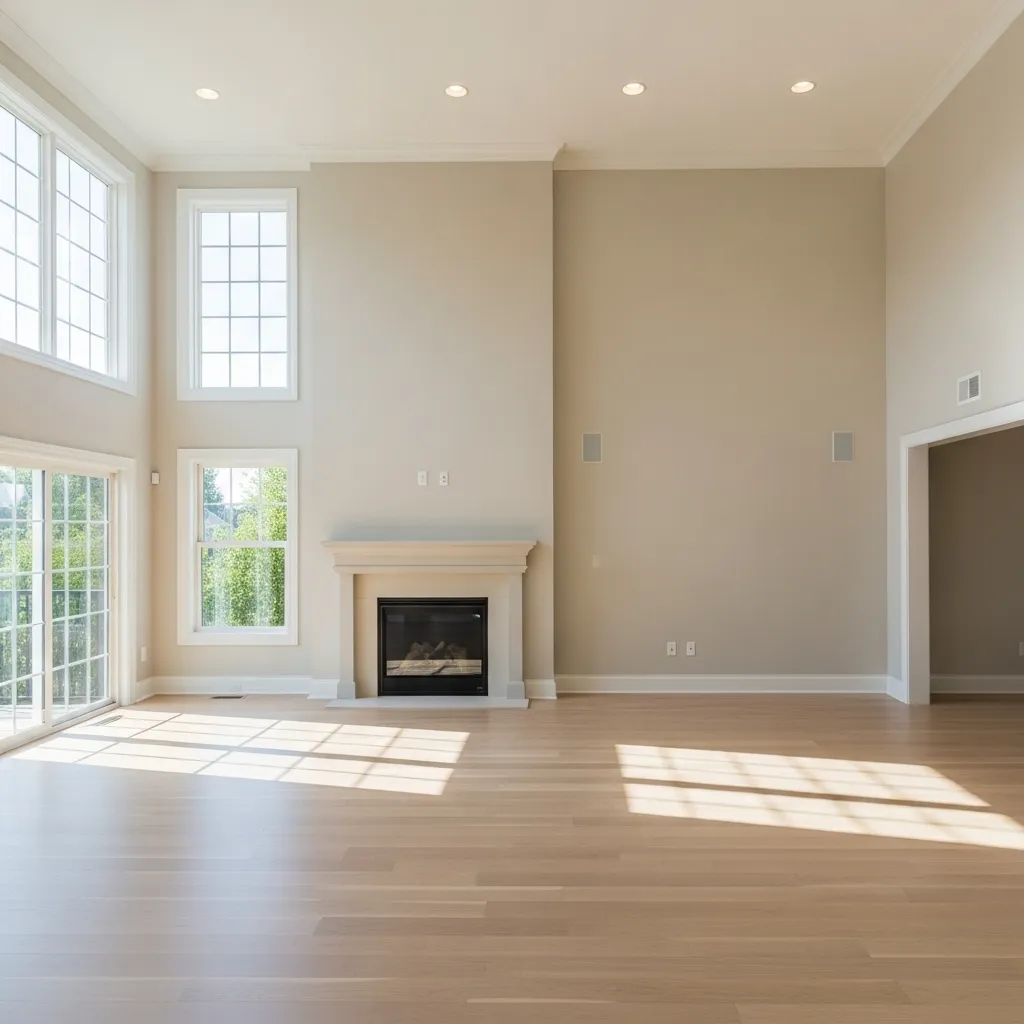
Turn empty units into compelling stories — strengthen listings with virtual staging and interior alternatives.
AI Home Design: Redecorate Your Home From a Photo
A new design from your own room photo, the real products in it, and your total budget — in one place.
What you can do
AI Render Software: Render from a Photo or Model
Photorealistic images from a photo, sketch, plan or 3D model — without setting up a render engine.
Sketch to Render AI: Hand Drawing to Photoreal
AI render from a sketch: show the client the finished look while the idea is still on paper.
Floor Plan to Render with AI: Try It Free
From a 2D floor plan to 3D design: upload your drawing and visualise every room in one design language.
AI Room Design: 3 Alternatives From a Photo
See your room's new look from a photo: 3 alternatives, real products and a cost report.
AI Render Editing: Change Walls, Floors, Furniture
Do not rebuild the scene for one change: type or mark what should change and everything else stays the same.
Render to Video AI: Architectural Animation
If the image is ready, so is the video: upload a render or photo and pick a template.
AI Furniture Product Photography and Lifestyle Images
No waiting for a studio shoot: show your own product in a room and produce an image for every fabric and colour.
SketchUp AI Render Plugin: Try It Free, 4K Output
Photorealistic renders in one click without leaving SketchUp: 1K, 2K and 4K output.
How it works
-
1. Upload a photo, plan or model
A room photo, a sketch, a floor plan as PDF, image or DXF, or the camera view sent from the SketchUp or 3ds Max plugin.
-
2. Describe the style
Set the style, materials and mood; ask for changes in plain words and render new camera angles of the same space.
-
3. Present and quote
Download the renders, generate alternatives, prepare a client presentation (PDF) and export an editable quotation to Excel.
Credits are only deducted when an image or file is actually generated; failed results are not charged. See current packages.
Frequently asked questions
What is Mimerra?
A web-based AI design and visualization platform for interior design, architecture and furniture: it turns photos, sketches, floor plans and 3D models into photorealistic images and keeps the client presentation and quotation in the same project.
Do I need a powerful computer?
No. Renders are generated on Mimerra’s servers; a browser, or the SketchUp or 3ds Max plugin, is enough.
Does Mimerra work with SketchUp and 3ds Max?
Yes. The 3ds Max plugin works with 3ds Max 2023–2026 on Windows and with Corona and V-Ray scenes, and there is a SketchUp plugin. Both render at 1K, 2K or 4K without leaving the model; the plugin is free and renders use your account credits.
How does pricing work?
Mimerra runs on credits: credits are only deducted when an image or file is actually generated, and failed results are not charged. Current packages are on the pricing page.
Can I use Mimerra in English?
Yes. The app interface is available in English, Turkish, Spanish and Arabic, and you can switch the language at any time.
Compare, learn and get started
Try Mimerra on your own project
Explore the sample project without signing up, then start with a photo, a floor plan or your model.