
Solutions
AI Render Editing
To edit a render with AI, open Edit Render in Mimerra, upload your image and type what should change: "make the walls light blue", "change the floor to light oak", "make the sofa green velvet". To remove or replace one piece of furniture, or to place furniture in the room, brush over the area; the architecture, camera and other objects stay as they are. Edit Render costs 1 credit per edit, and credits are only used when an image is produced. You can edit renders made in Mimerra, renders from other software, or a photo of a room.
How it works in 3 steps
- 1
Upload the image
Add a Mimerra render, a 3ds Max or SketchUp output, or a room photo to Edit Render.
- 2
Type or mark the change
Pick a quick action or describe the change; brush the area when it concerns a single object.
- 3
Compare and continue
See before and after side by side; keep refining with a new request, or download and add it to your presentation.
Example: same sofa, different fabric
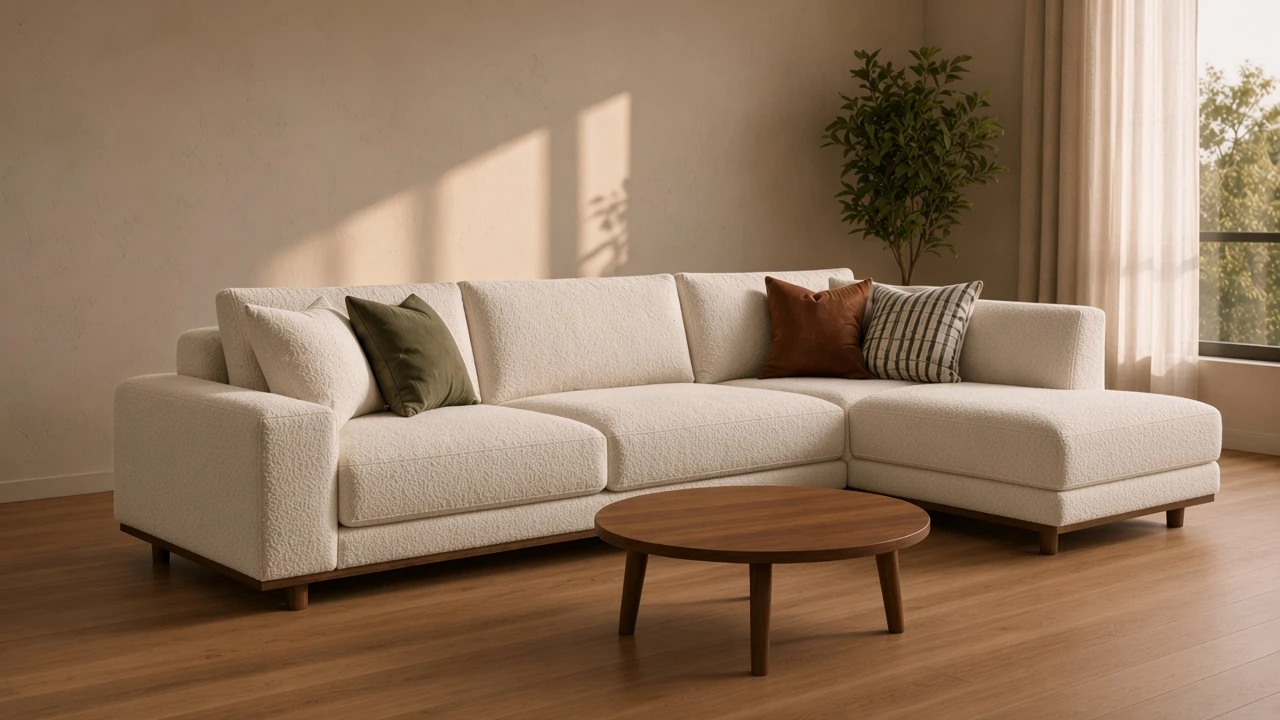
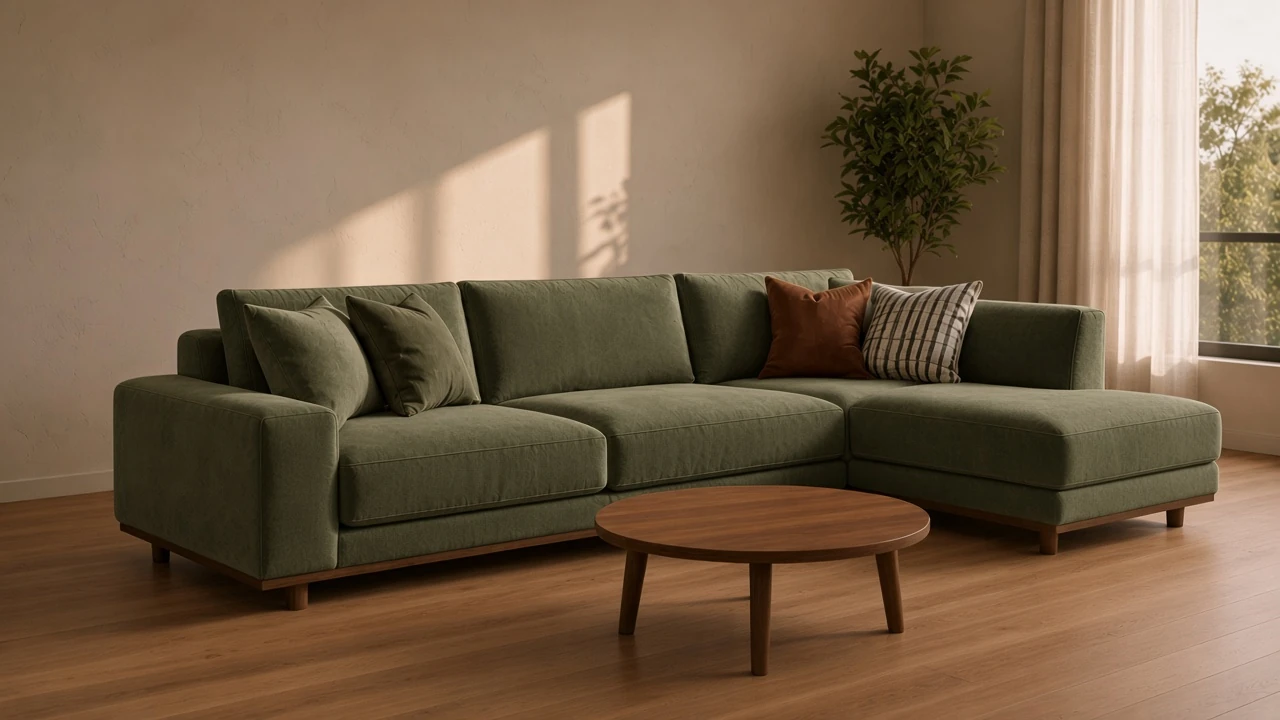
Mimerra showcase example: same room, camera and sofa shape; only the fabric changed.
Why revisions take so long
- When a client asks for a green sofa, reopening the scene and re-rendering takes hours
- Showing wall colour, flooring or tile options side by side means a separate output for each
- General-purpose image tools change the rest of the room while fixing one thing
With Mimerra
- An AI wall colour changer, floor replacement and material changer driven by plain text
- AI furniture removal, replacement and placement by marking the area
- Fabric and material swaps that keep the furniture's shape, position and size
- Evening light, a more realistic look and multiple camera angles of the same scene
Key capabilities
Quick actions
Change the floor, remove an object, change the fabric, evening light, add people and make it more realistic: one-tap starting points.
Region editing
Brush over the area to change; only that region is edited while architecture, camera and other furniture are kept.
Variations and angles
Generate design variations and other camera angles of a render you like, and show the before and after together.
Frequently asked questions
Can I edit a render made in other software?
Yes. Upload a render from V-Ray, Corona, Lumion or any other tool, or a phone photo of a room, and edit it the same way.
If I only change the wall colour, will the furniture change?
Each request targets one thing and keeps the rest. For the cleanest result, mark the surface or object to change. The result is still a visual concept, so confirm colours and materials with real samples.
Can I remove furniture from a photo?
Yes. Remove object deletes the furniture you mark and fills in the background naturally; you can then place new furniture in the empty spot.
How does pricing work?
With credits: credits are only used when an image or file is produced, and refunded if a generation fails. There is no subscription, and purchased credits never expire. Current packages are on the Pricing page.
Related pages
Related guides
Cut revisions down to minutes
Explore the sample project without signing up, or upload your own render and make your first edit.