
AI virtual staging: furnish an empty home in minutes.
AI virtual staging adds furniture and decor to a photo of an empty home with AI so the listing looks ready to sell. In Mimerra you upload the empty room photo and pick a style such as Modern, Japandi or Modern classic; Mime prepares a realistic, furnished version of the same room, usually in 1–3 minutes (depending on scene complexity). No staging crew, furniture rental or moving is needed; you download the result and use it in the listing. Credits are only used when an image is actually generated.
- Renders are usually ready in 1–3 minutes (depends on scene complexity)
- No staging crew, furniture rental or moving required
- Start with a free account — 10 credits on signup
No credit card required · 10 credits on signup
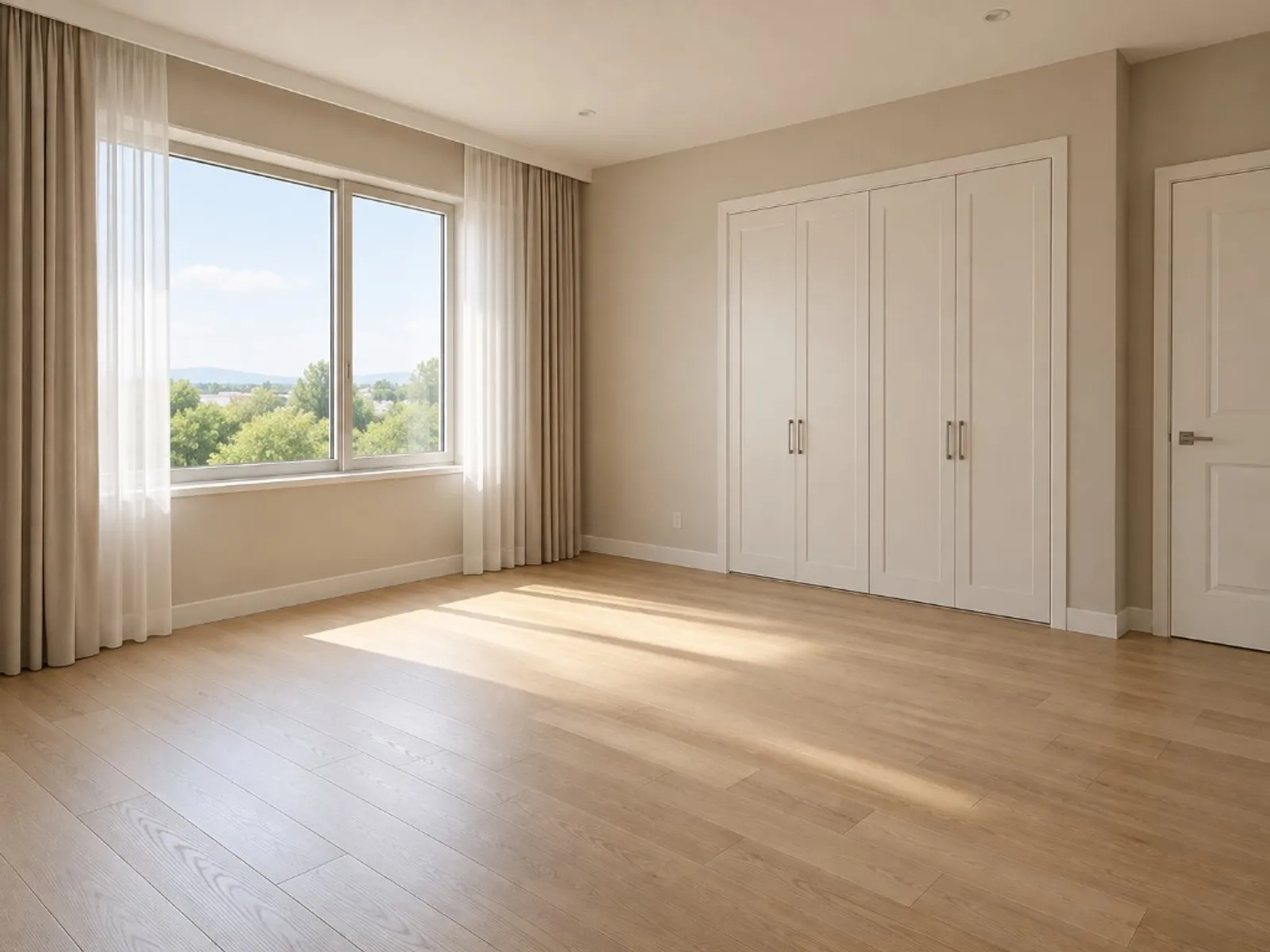
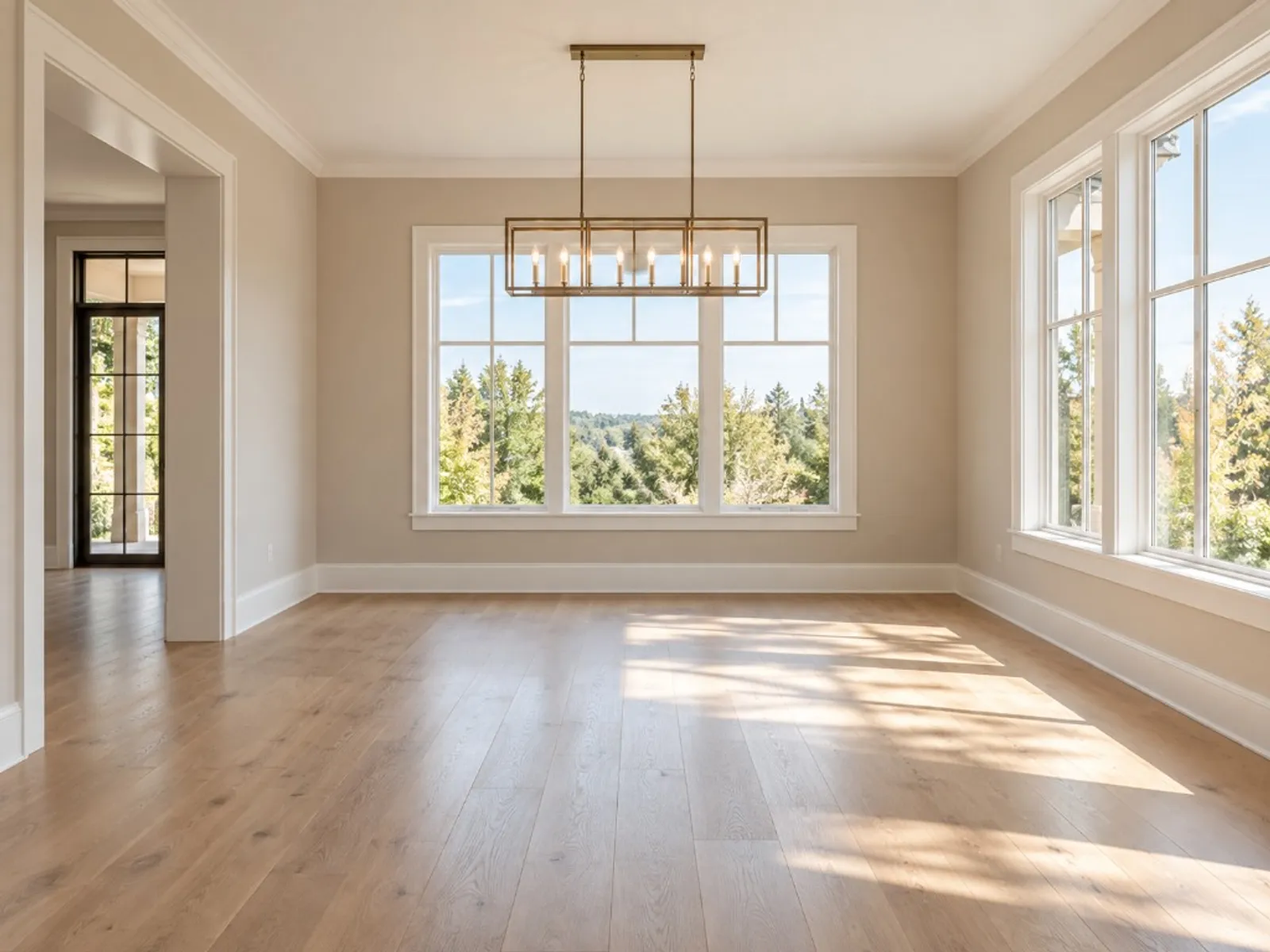
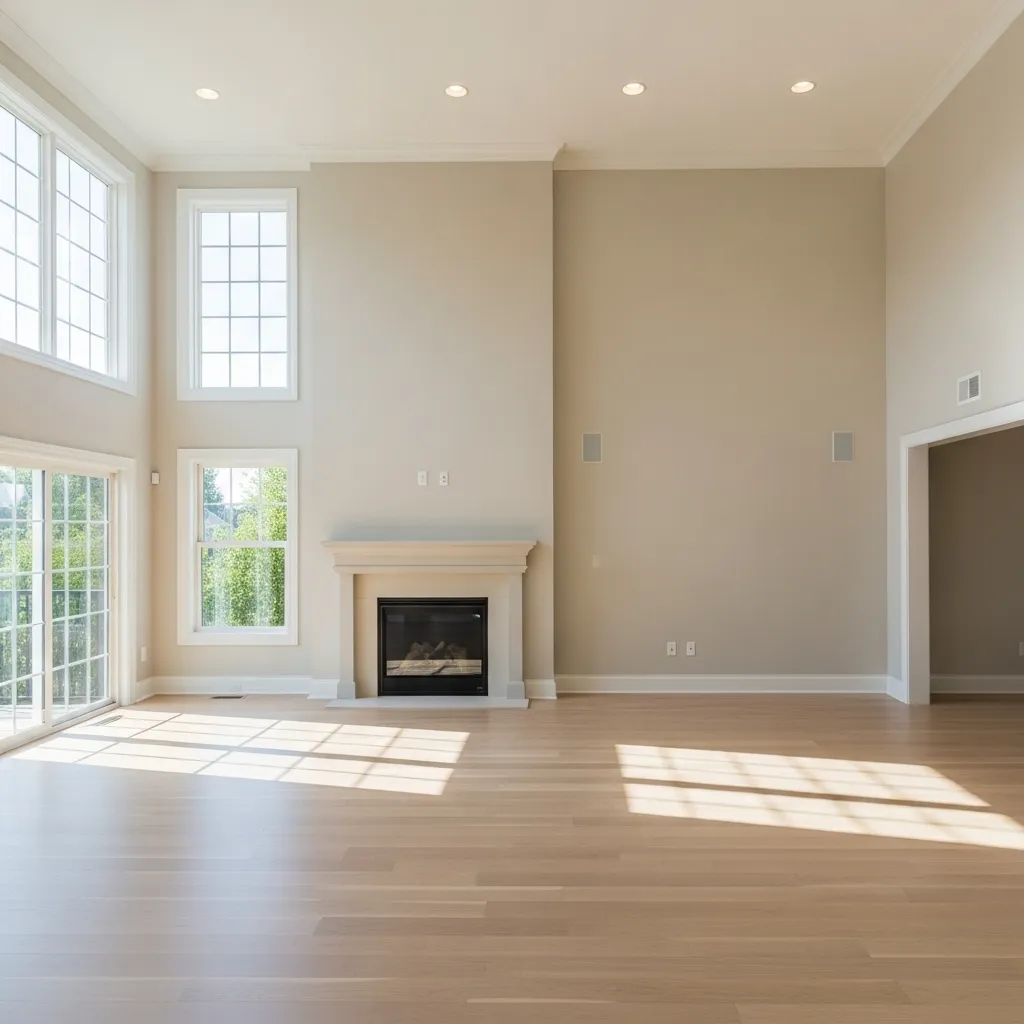 Before · empty room
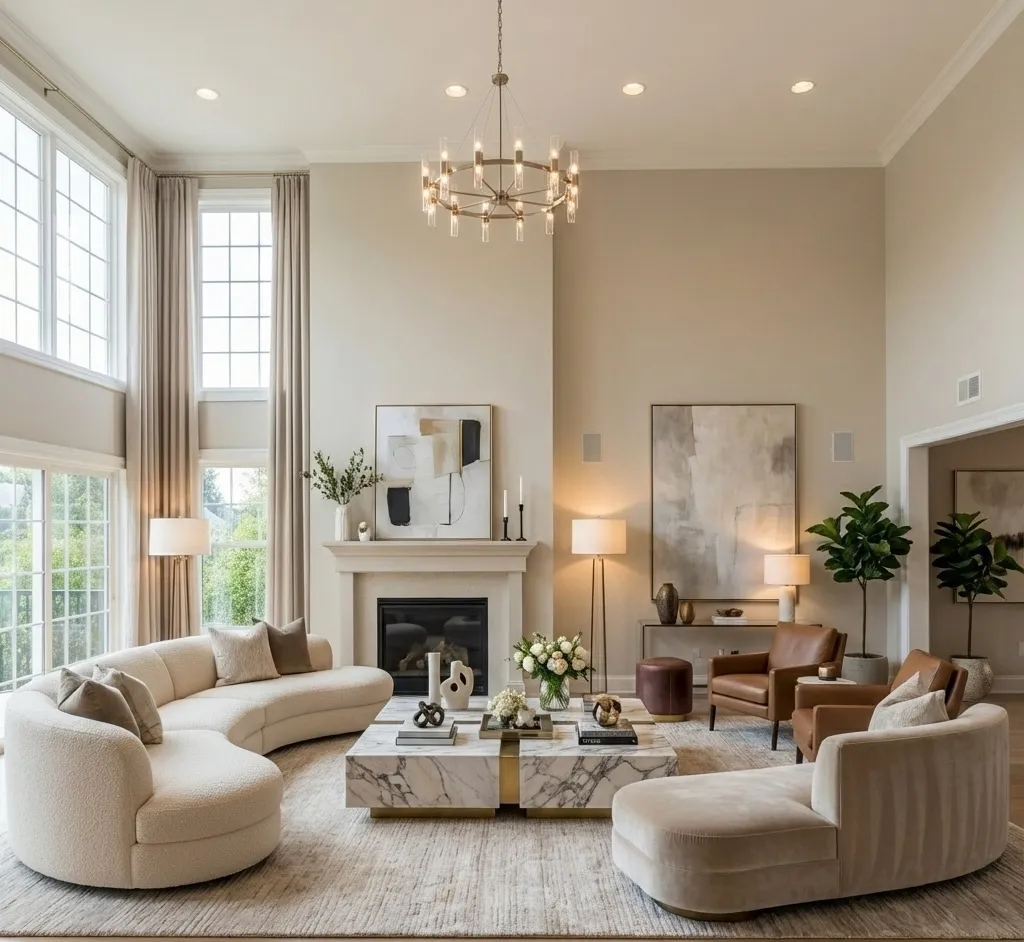 After · AI staging
Pick a style for your buyer profile
The same empty room, styled differently for different buyer audiences.
Modern
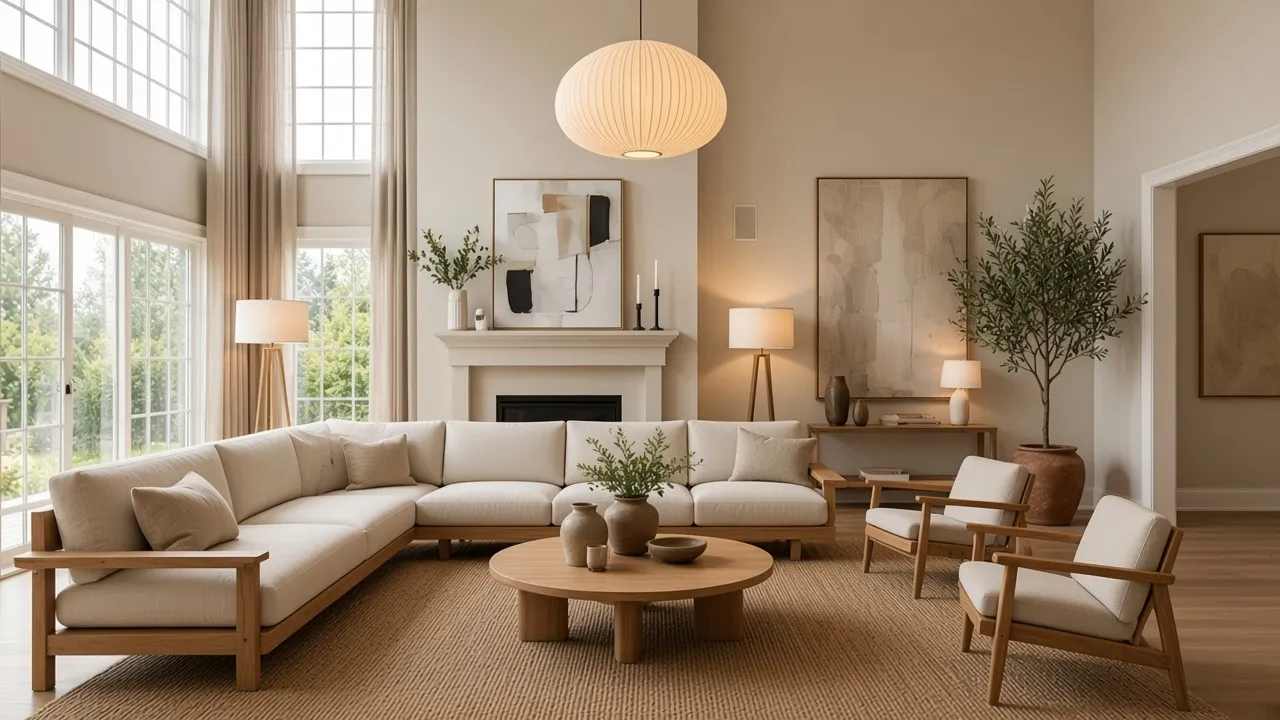
Japandi

Modern classic
How it works
No multi-day physical staging prep — it starts with one photo.
- 1
Upload the empty room photo
Upload a photo of the empty room from the listing you're about to publish.
- 2
Pick a decoration style
Choose from alternative styles like Modern, Japandi or Modern classic to match your target buyer.
- 3
Mime stages the room
Mime renders a realistic, furnished version of the same room, with the products and sample prices in it.
- 4
Download the listing visual
Download the result and use it directly in your listing or social post.
Example results
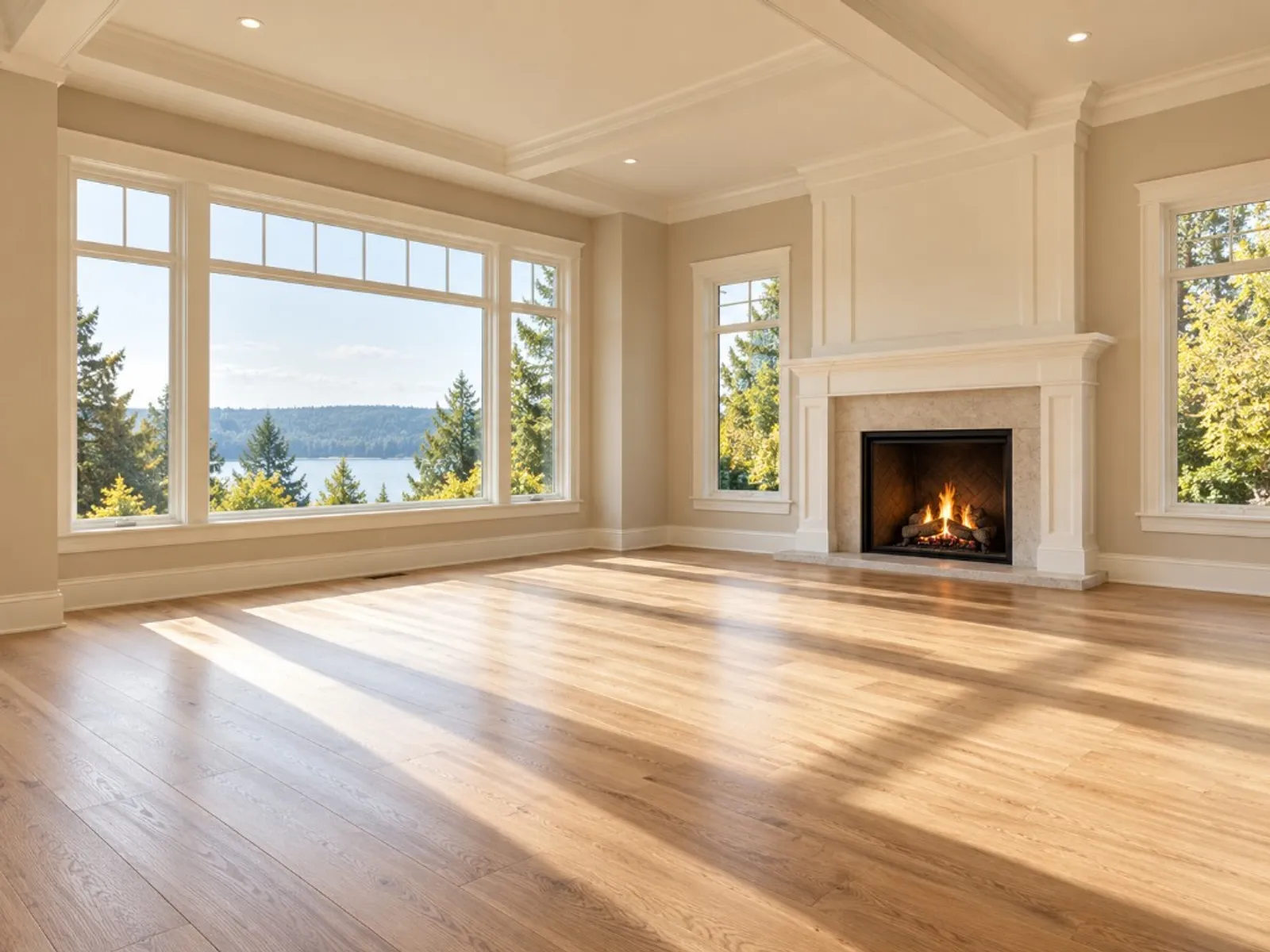
From empty room to furnished listing — same demo image set, different room types.
Frequently asked questions
What is AI virtual staging?
A visualization method that adds digital furniture and decor to a photo of an empty or unfurnished property to show buyers how it can be lived in. Unlike physical staging, nothing is moved and no crew is needed.
How long does virtual staging take?
In Mimerra, renders are usually ready in 1–3 minutes; the time depends on scene complexity and level of detail.
Which styles can I use?
Styles such as Modern, Japandi and Modern classic let you present the same empty room to different buyer profiles.
What should I watch out for in listings?
Stating in the listing that the image is virtually staged and not altering the room's architecture (windows, walls, floors) keeps buyers' trust. Mimerra works on the photo of the same room.
How does pricing work?
Images are generated with credits; only successfully generated images use credits, and failed or empty generations are never charged. Current packages are on the Pricing page.
Every new individual user gets a one-time 10 free credits on signup. Only a successfully generated image consumes credits; failed or empty generations are never charged.
Strengthen your next listing in minutes
Upload the empty room photo, pick a style, see the staged result — no card required.
Try it free →No credit card required · 10 credits on signup