
Solutions
AI Room Design
To design a room with AI, upload a photo of your room to Mimerra and pick a style: 3 new versions of the room are generated while the walls, window and door are kept (Design My Room, 3 credits). You can revise the design you like by typing and get a list of the products in it and a product and cost report (2 credits). No design software skills are needed; credits are only used when an image or file is produced.
How it works: a new room in 3 steps
- 1
Upload the photo
Take a wide photo of the room from a corner in daylight.
- 2
Pick a style
Modern, japandi, classic or your own description; add your budget and anything you want to keep.
- 3
Choose, refine, share
Pick one of 3 alternatives, refine it by typing, and get a product list, cost report or share link.
Example: empty room → designed room
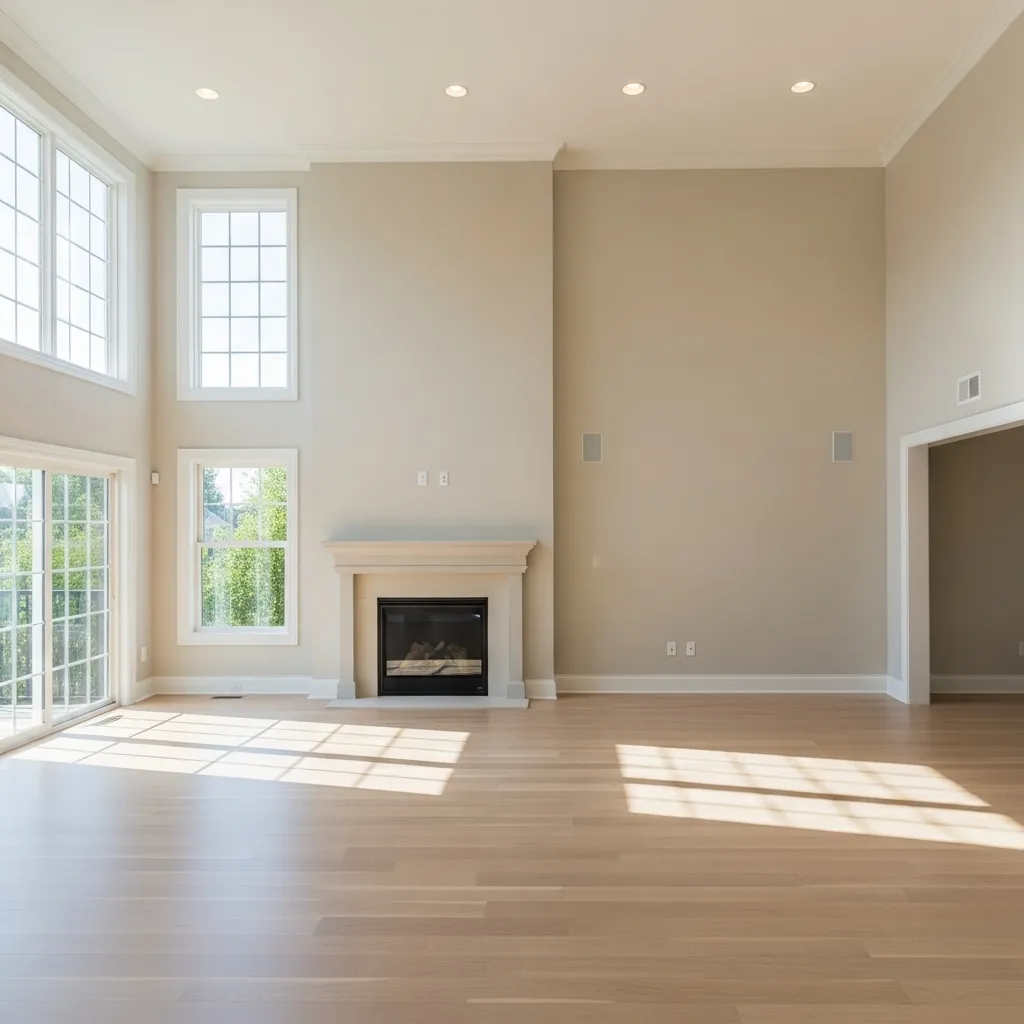
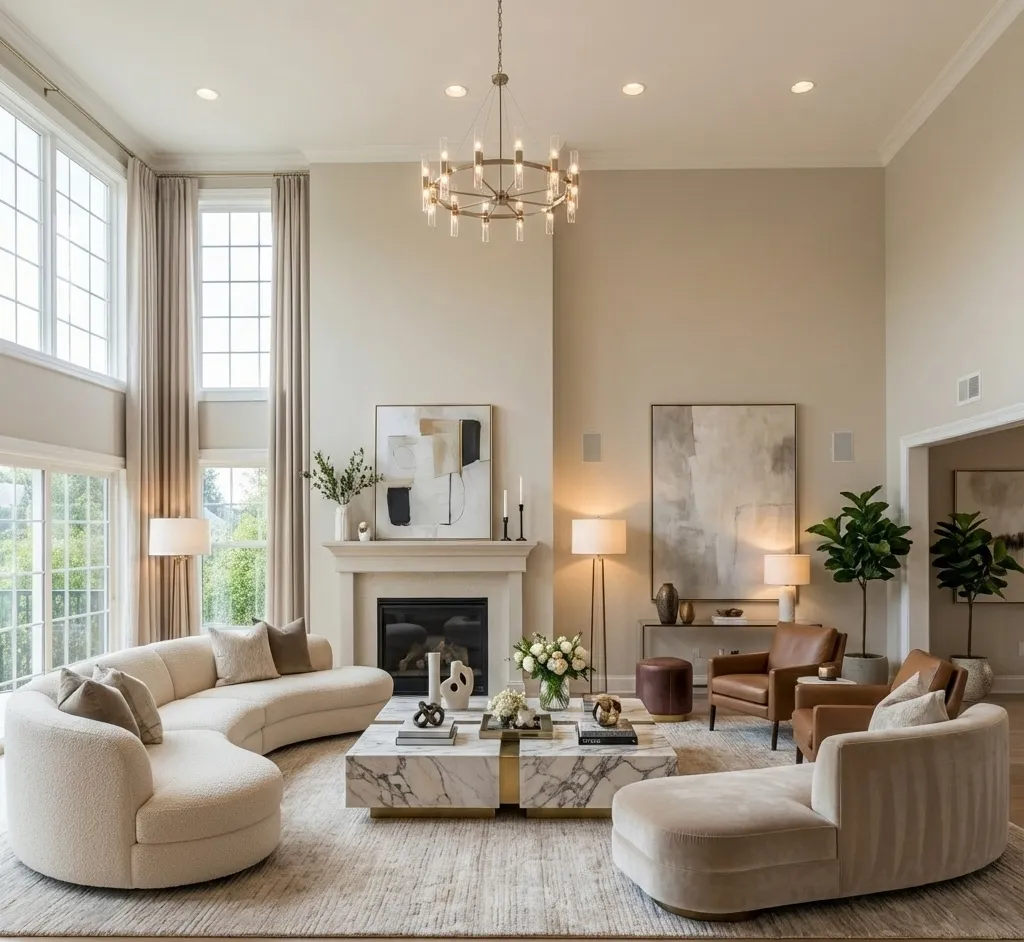
The before / after example from the Mimerra home page.
Common problems when designing a room
- You cannot tell how furniture from a store will look in your own room
- Colours, style and layout are hard to picture
- Design software takes a long time to learn
- The total cost of the chosen products only becomes clear at the end
With Mimerra
- A new design from your room photo, keeping the room structure
- 3 alternatives at once (Design My Room, 3 credits)
- Design with real products and a product list
- Product and cost report, and a share link
Key capabilities
Design My Room
Upload a photo, pick a style and see 3 new versions of the same room side by side.
Edit by typing
Refine the design with requests like "make the sofa green velvet and remove the rug".
Products and cost
A list of the products in the design and an approximate product/material cost (labour, installation and delivery excluded).
Frequently asked questions
Do I need design software skills?
No. Uploading a photo and picking a style or typing your request is enough; no drawing or 3D model is needed.
Is my room structure kept?
Yes. Walls, window and door stay as in the photo; what changes is furniture, colours, materials and lighting.
Which rooms does it work for?
It works from a photo of interiors such as a living room, bedroom, kids' room, home office, kitchen, bathroom, entrance or hallway; you can also describe and design commercial spaces such as an office, shop or café. In a small home or studio flat, design each room from its own photo.
Is it designed with real products?
In the homeowner flow, the design is built with real products and a product list is produced; product page links open for current prices.
How does pricing work?
With credits: 3 alternatives are 3 credits, a single 1K render 1 credit. Credits are only used when an image or file is produced; there is no subscription and purchased credits never expire.
Related pages
Related guides
See your room's new look in a few minutes
Explore the sample project without signing up, or upload a photo of your room and get your first design.