
Solutions
AI Home Design: Redecorate Your Home From a Photo
For AI room design from a photo, upload a photo of your room to Mimerra and choose your style and budget: Mimerra's assistant Mime prepares a new look for the same room, lists where the furniture in the design is sold with its price and the date that price was checked, and compares the total with your budget. Mimerra runs in the browser; you can explore the sample project without signing up, designs for your own room are generated with credits, and credits are only used when an image is actually generated.
How it works, in 3 steps
- 1
Upload a photo of your room
Take a photo with your phone or start with a sample room.
- 2
Choose your style and budget
Pick a style such as modern, classic or minimal and set a budget; Mime prepares the new look.
- 3
See the products and the total
See where each product in the design is sold, its price and the total budget; buy what you like on its own product page.
Example: the same room, before and after
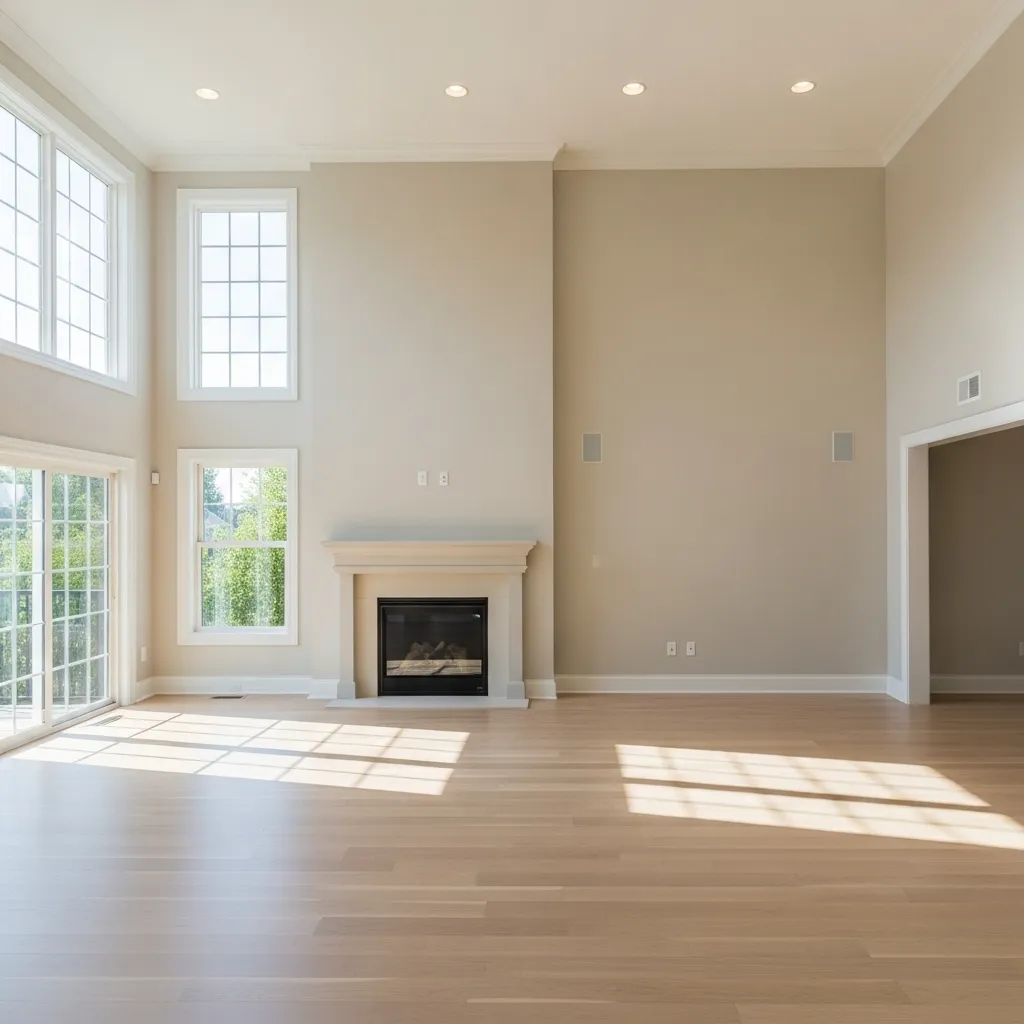
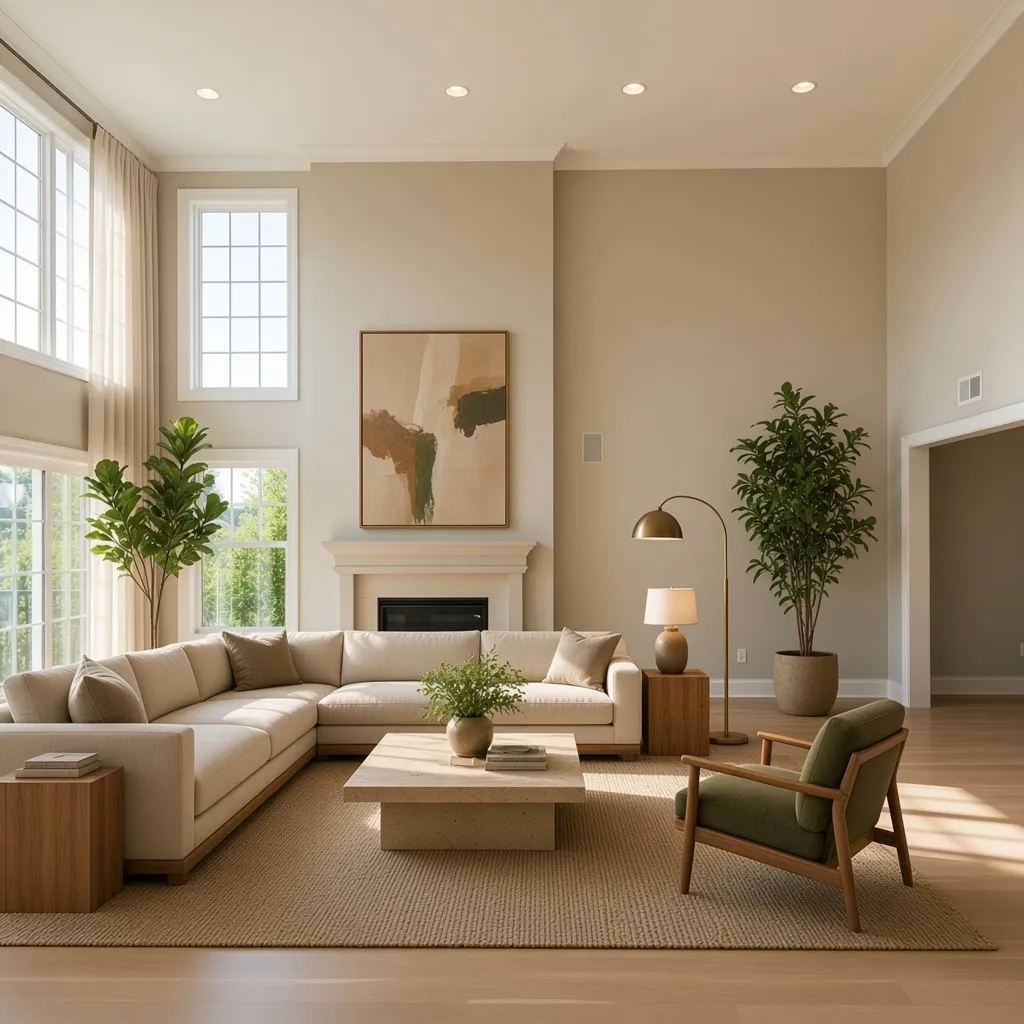
Sample: the before/after image from Mimerra's homeowner example. In your own project the result is generated from the photo you upload.
What makes redecorating hard
- It is hard to picture how new furniture will look in your room
- Inspiration photos are not your room, your light or your layout
- Finding the product you saw in a picture takes effort
- The total budget only becomes clear after you have shopped
With Mimerra
- A new design from a photo of your own room
- Suggestions that fit your style and budget
- Where the products in the design are sold
- Item-by-item prices and a total budget
Key capabilities
Design from a photo
Take a photo of your room or start with a sample room; Mime prepares the new look.
Real products
Mime finds the products on store pages, takes the price from the product page and shows when it was checked.
Budget plan
See each item's price and the total, and compare it with your budget.
Frequently asked questions
Can I redecorate my home with AI for free?
What is free is the sample project, which you can explore without signing up: it shows a before/after, the products in the design and a budget summary. Designs for your own room are generated with credits, and credits are only used when an image or file is actually generated. Current credit packages are on the Pricing page.
Can I actually buy the furniture in the design?
Mime finds where the products in the design are sold on store product pages, takes the price from the product's own page and shows when it was checked. You buy what you like by going to that product page.
Do I need to download an app?
No. Mimerra is a web platform that runs in the browser, on a computer or in your phone's browser.
Do credits expire?
As of November 2026, credit packages are one-time purchases and the credits you buy do not expire. Current packages are on the Pricing page.
How is it different from apps like Planner 5D or Homestyler?
Mimerra starts from a photo of your own room and shows the real products in the design with their prices; it also offers professional tools for architects, interior designers and furniture stores. See the Mimerra vs Planner 5D and Mimerra vs Homestyler comparison pages for details.
Related pages
Related guides
See the new look of your home
Explore the sample project without signing up, then start with a photo of your own room.