
Solutions
AI Furniture Design Generator
To design furniture with AI, open Design Product & Model in Mimerra: enter the product type, dimensions and material, or upload a reference image, and a render of the new product design is generated. From an image you like you can create a 3D model, and with Technical and Production Drawings you get a dimensioned drawing, DXF, cutting list and material list. Credits are only used when an image or file is produced. Drawings are derived from the design, so check dimensions and joinery against your own workshop standards before production.
How it works in 3 steps
- 1
Describe the product
Enter the product type, width, depth and height and the material, or upload a reference image.
- 2
Get the design and model
Generate the design image, try variants and create a 3D model from the one you like (usually a few minutes).
- 3
Export the drawing
Get the dimensioned technical drawing, the DXF file and the cutting and material lists.
Example: product design and 3D model → technical drawing
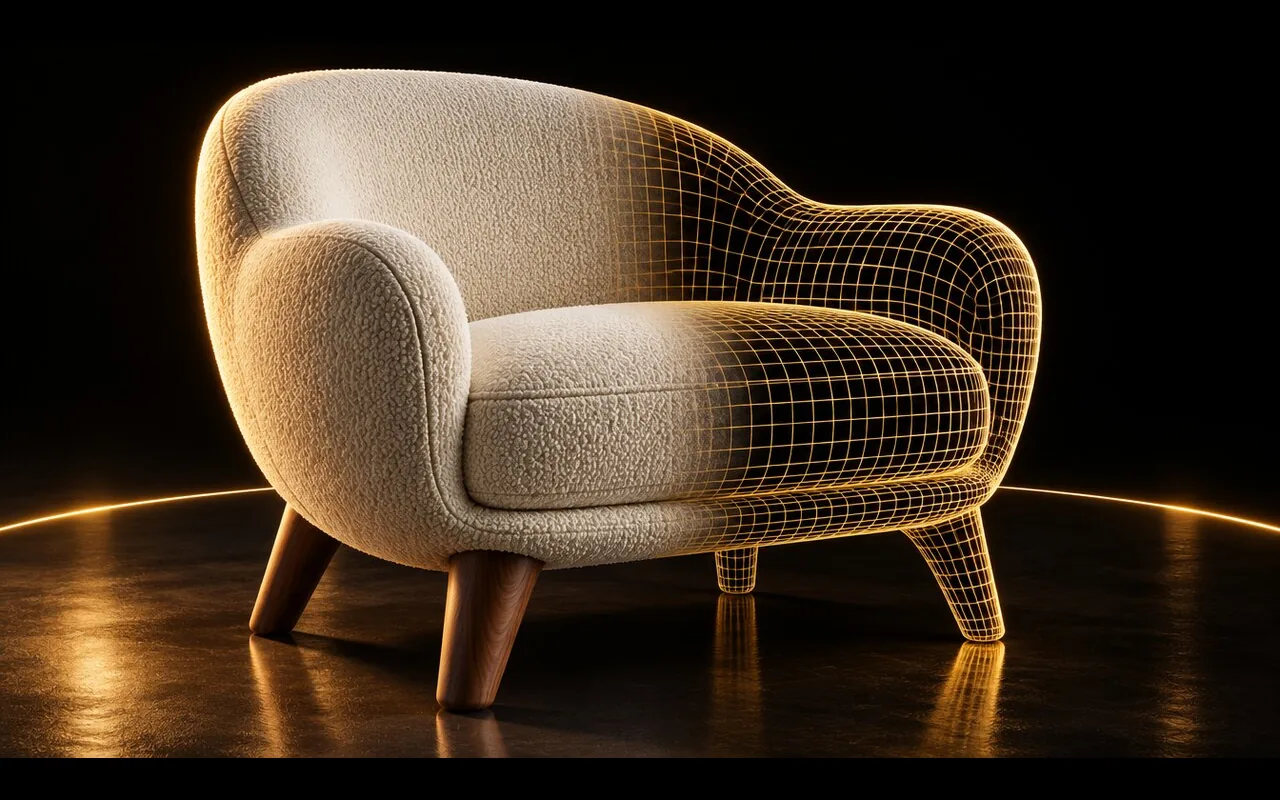
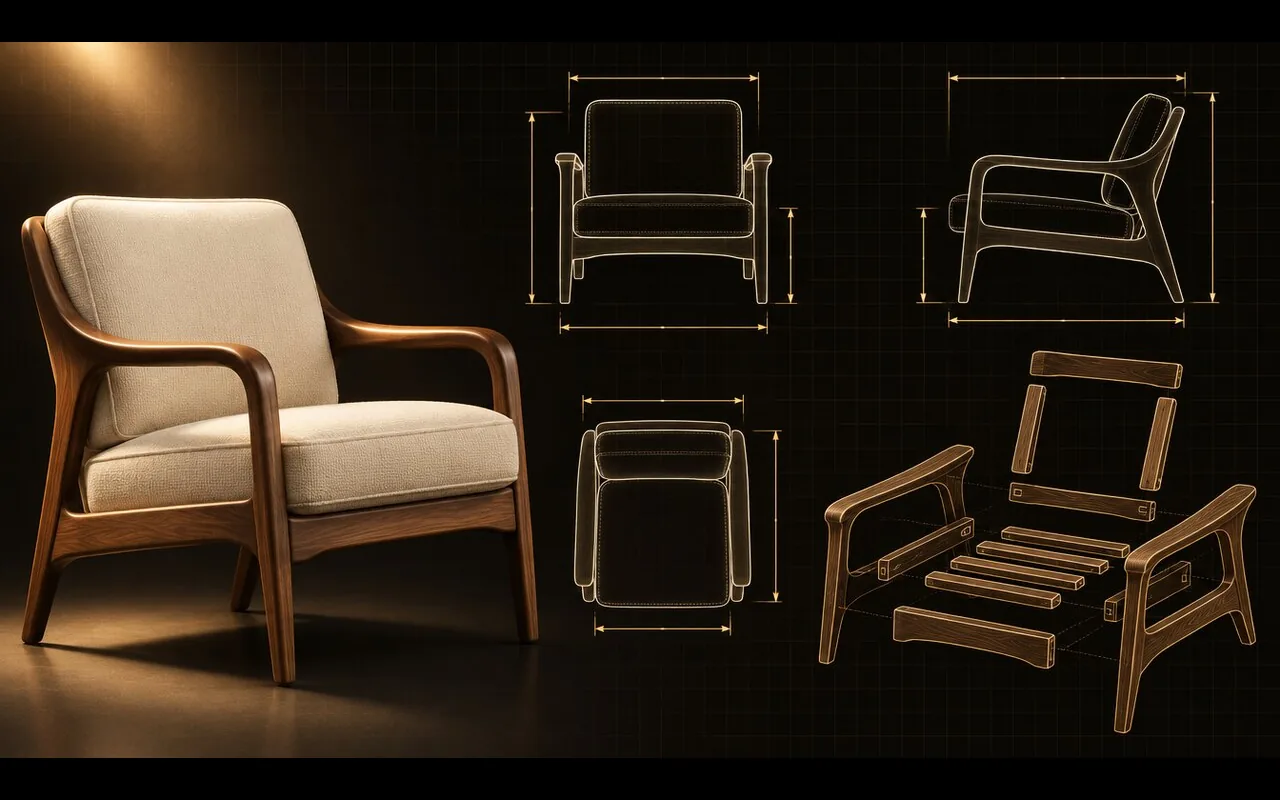
Showcase images from the Mimerra landing page: product design with 3D model, and technical drawing output.
A new product idea slows down on the way to the workshop
- Showing a design idea needs modelling first and rendering second
- Getting a 3D model from an image takes separate skills and separate software
- Technical drawings and cutting lists are prepared by hand, disconnected from the design
With Mimerra
- New sofa, table and cabinet designs from a reference image or a description
- A 3D model generated from the product image
- Dimensioned technical drawings from the design; DXF, cutting and material lists from the product
- The same product shown in a room and on a product sheet
Key capabilities
Design Product & Model
Enter the product type, dimensions and material or upload a reference image; render the new design and create its 3D model.
Technical and production drawings
Get a dimensioned technical drawing from an image, and DXF, cutting and material lists from the product.
Collections and variants
Generate material textures for the design, try colour and fabric variants and prepare the product sheet.
Frequently asked questions
Which image is the 3D model created from?
From a product design image generated in Mimerra or a product photo you upload. You need to enter the width, depth and height to create the model.
Can the technical drawing go straight to production?
The drawing, DXF, cutting list and material list are a starting point derived from the design. Check dimensions, material thicknesses and joints against your own standards before production.
Can I show the designed product in a room?
Yes. Add the product to your library and place it in a room with Generate Render from Your Own Models.
How does pricing work?
With credits: credits are only used when an image or file is produced, and refunded if a generation fails. There is no subscription, and purchased credits never expire. Current packages are on the Pricing page.
Related pages
Related guides
Design your next product today
Explore the sample project without signing up, or upload a reference image and get your first product design.