
Solutions
Render to 360° Virtual Tour
Mimerra's Render to 360 tour scenario generates a 360° panorama with AI from a single interior render and opens it as an interactive tour you can drag around in the app; you can download the panorama. No 3D model or spherical camera is needed. The panorama completes the directions the render does not show with AI, so it is a presentation image, not a measurement or exact layout document. Generation uses credits, and credits are only used when the panorama is produced.
How it works in 3 steps
- 1
Upload the render
Pick an interior render from your projects or your computer.
- 2
Generate the 360° panorama
AI completes the unseen directions of the room in the same style and builds the panorama.
- 3
Look around and download
Drag to explore, then download the panorama for your presentation.
Example: interior render → 360° panorama
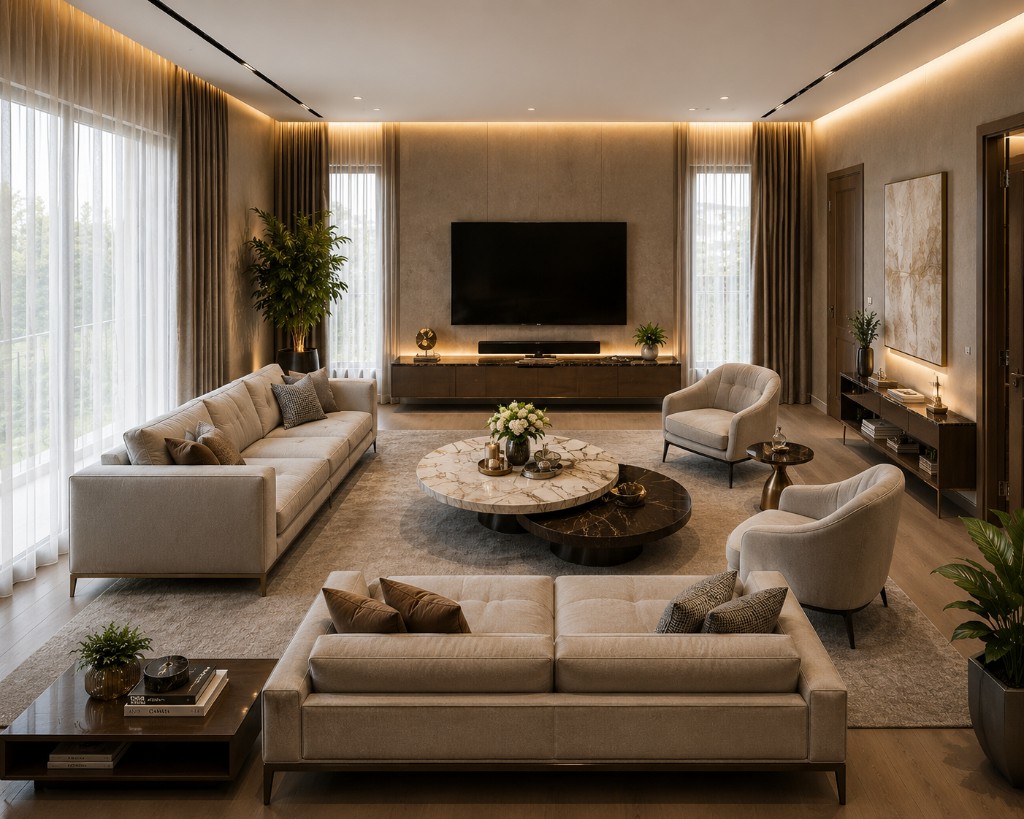
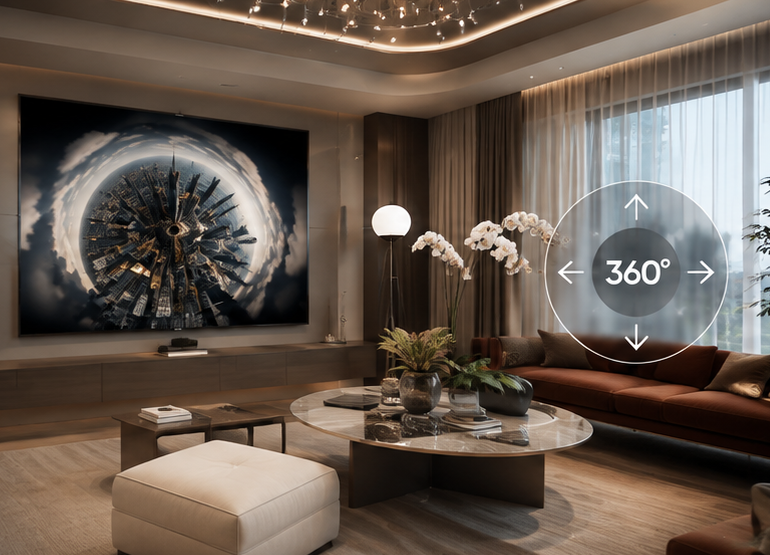
The left image is a Mimerra illustration render; the right image is the preview of the "Render to 360 tour" card in the app.
Render to 360 tour (short video)
Why 360° tours are hard to make
- A classic 360° render needs the whole scene modelled and a spherical camera set up
- A single-angle render does not show the client what is behind or beside them
- Panorama shoots or render farms add cost to every project
With Mimerra
- A 360° panorama generated with AI from a single interior render
- Interactive viewing in the app: drag to look around
- Download the panorama for your own presentation or post
- Already have a 360° panorama? Upload it and open it in the same viewer
Key features
Render to 360 tour
Ready scenario: an interactive 360° tour from one interior render; it usually takes a few minutes.
Cinematic architecture video
Prefer motion? Turn your renders into a video with camera moves and transitions.
Seamless home tour
A home tour video from room images where the camera moves room to room without cuts.
Frequently asked questions
Do I need a 3D model for a 360° tour?
No. A single interior render is enough; the panorama is generated with AI.
Is everything in the panorama identical to the real design?
What is visible in the render is kept; unseen directions are completed with AI in the same style. The panorama is therefore a presentation image, not a measurement or construction document.
Can I walk freely through the room?
This scenario produces a 360° panorama: you look in every direction from one point. To move through a room, walk through your own 3D scene in Mimerra Studio.
Can I use my own 360° photo?
Yes. Upload an equirectangular (2:1) panorama and open it in the same viewer.
How is it priced?
With credits: credits are only used when an image or file is produced, and refunded if a generation fails. There is no subscription and purchased credits never expire. Current packages are on the Pricing page; gift credits are added at sign-up.
Related pages
Related guides
Turn your render into a 360° tour
Open the Render to 360 tour scenario and upload an interior render. Gift credits are added at sign-up.